Knowledge base › Customers, rewards and texts
Every customer with their orders and what they have spent.
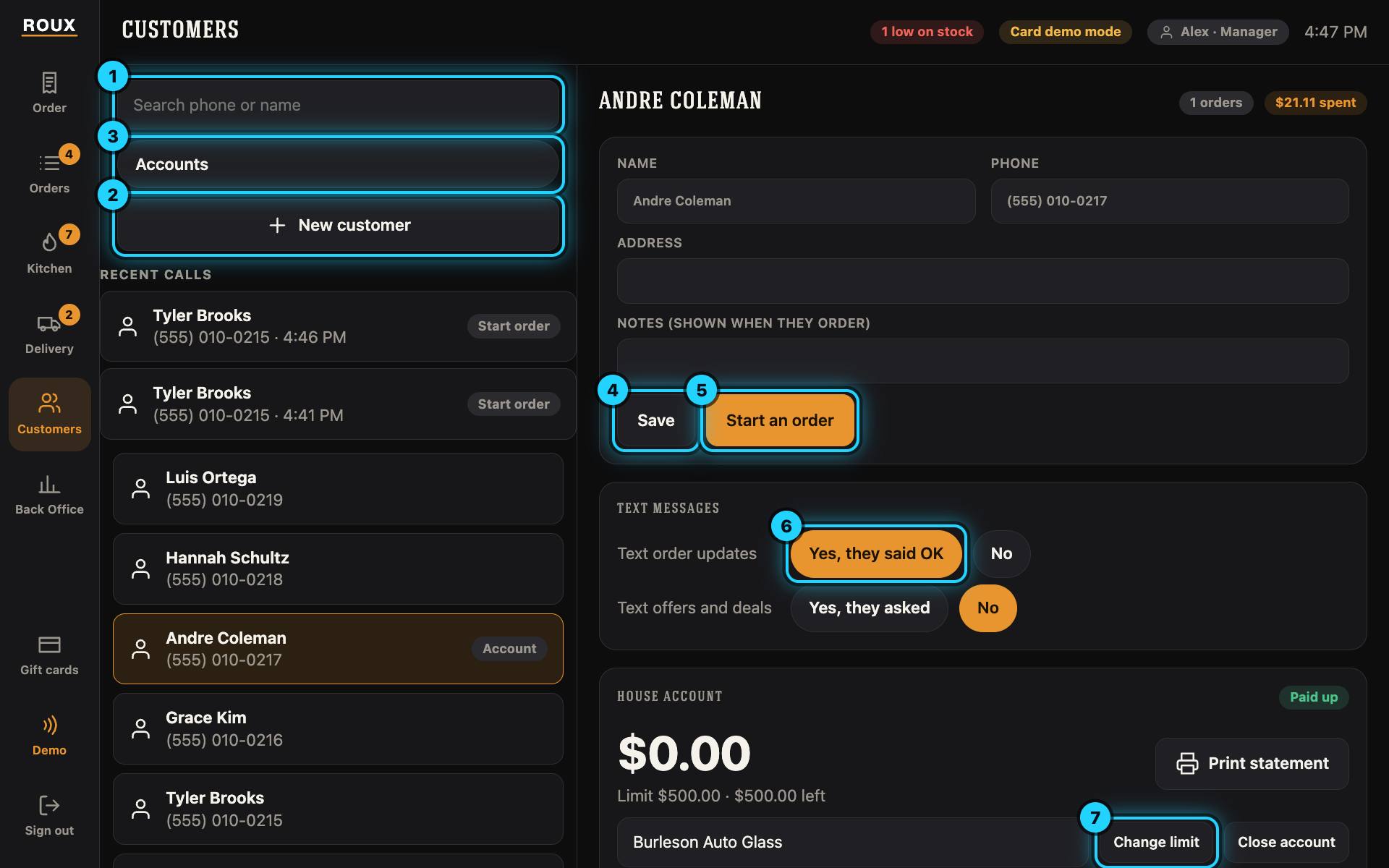
Steps
- Open Customers.
- Search by phone or name, or press New customer.
- Edit the name, phone, address and notes, then press Save. Notes are shown whenever they order.
- Their order history is below. Press Repeat on an order to ring it again at today's prices, or Start an order for a fresh ticket.
Good to know
- Each store's customers are that store's only. No other location can see them.