Knowledge base › Screens the customer sees
Pictures and videos on the customer display and menu boards.
Steps
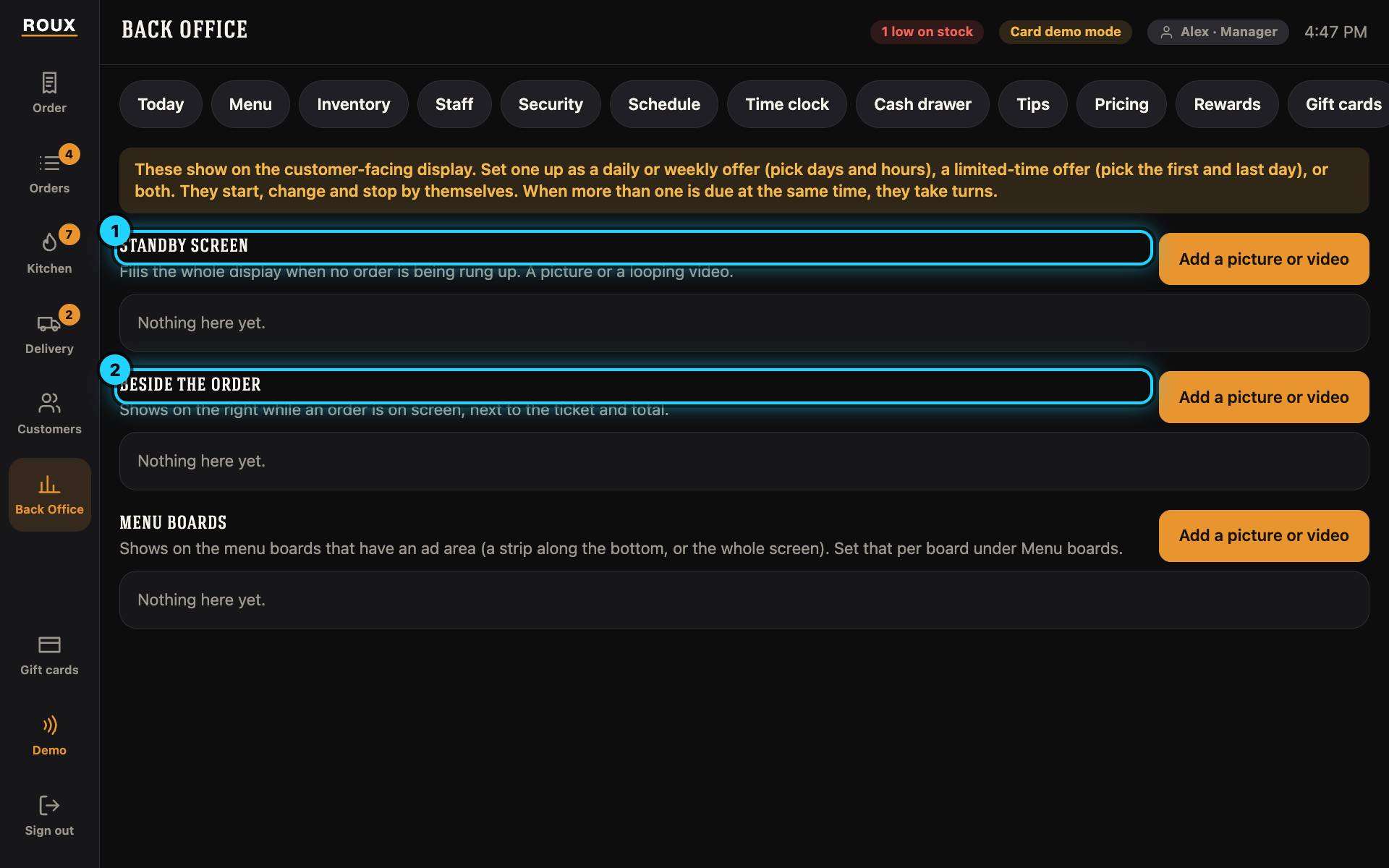
- Open Back Office > Display ads.
- Add a picture or a video and name it.
- Choose where it shows: the standby screen, beside the order, or on menu boards.
- Choose when: always, certain days and hours, or between two dates.
Good to know
- Several ads due at once take turns. Videos play muted.
- The list shows which are showing now, which start later, and which have ended.