Knowledge base › Taking orders
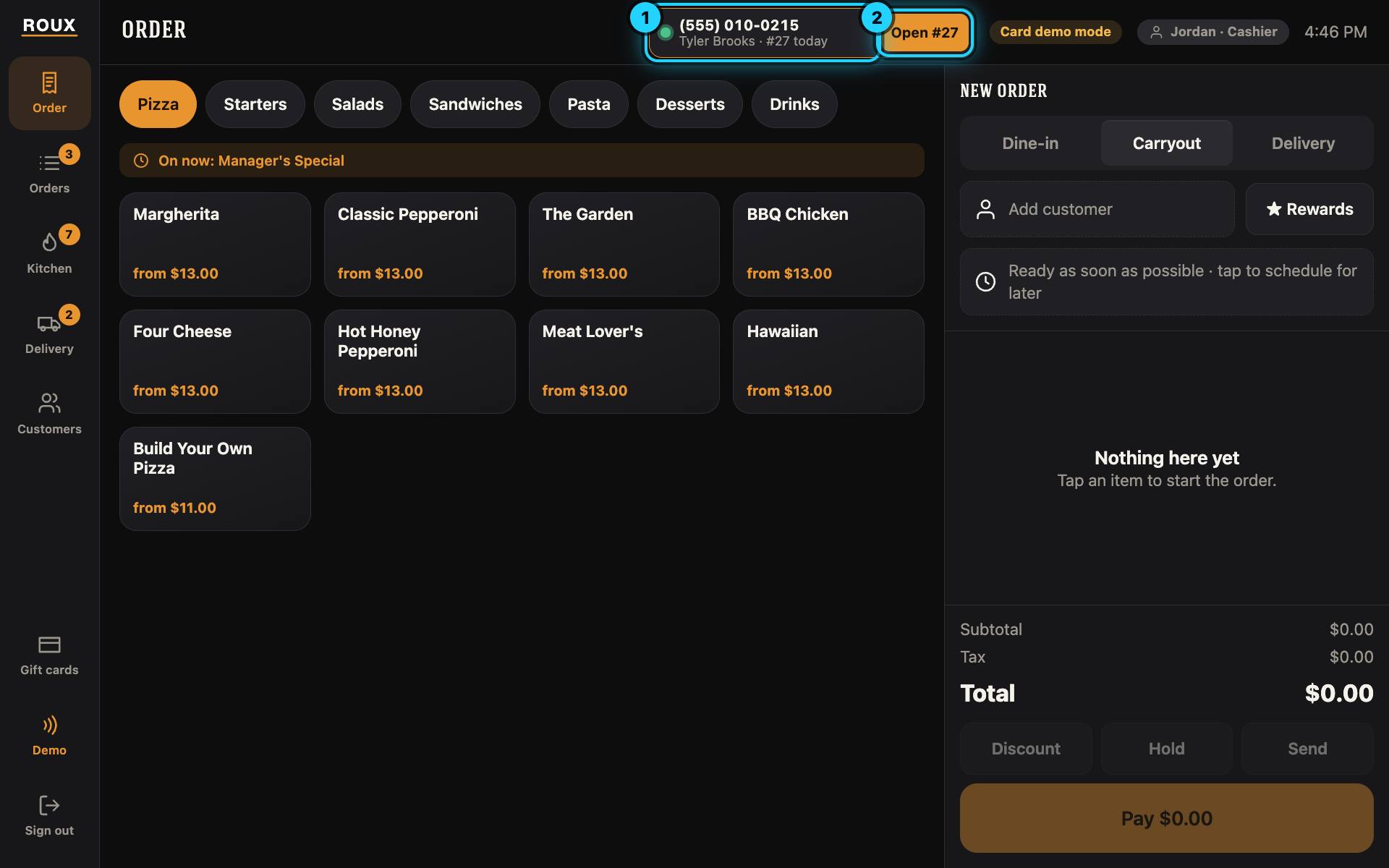
When the phone rings, registers show who is calling.
Turn it on
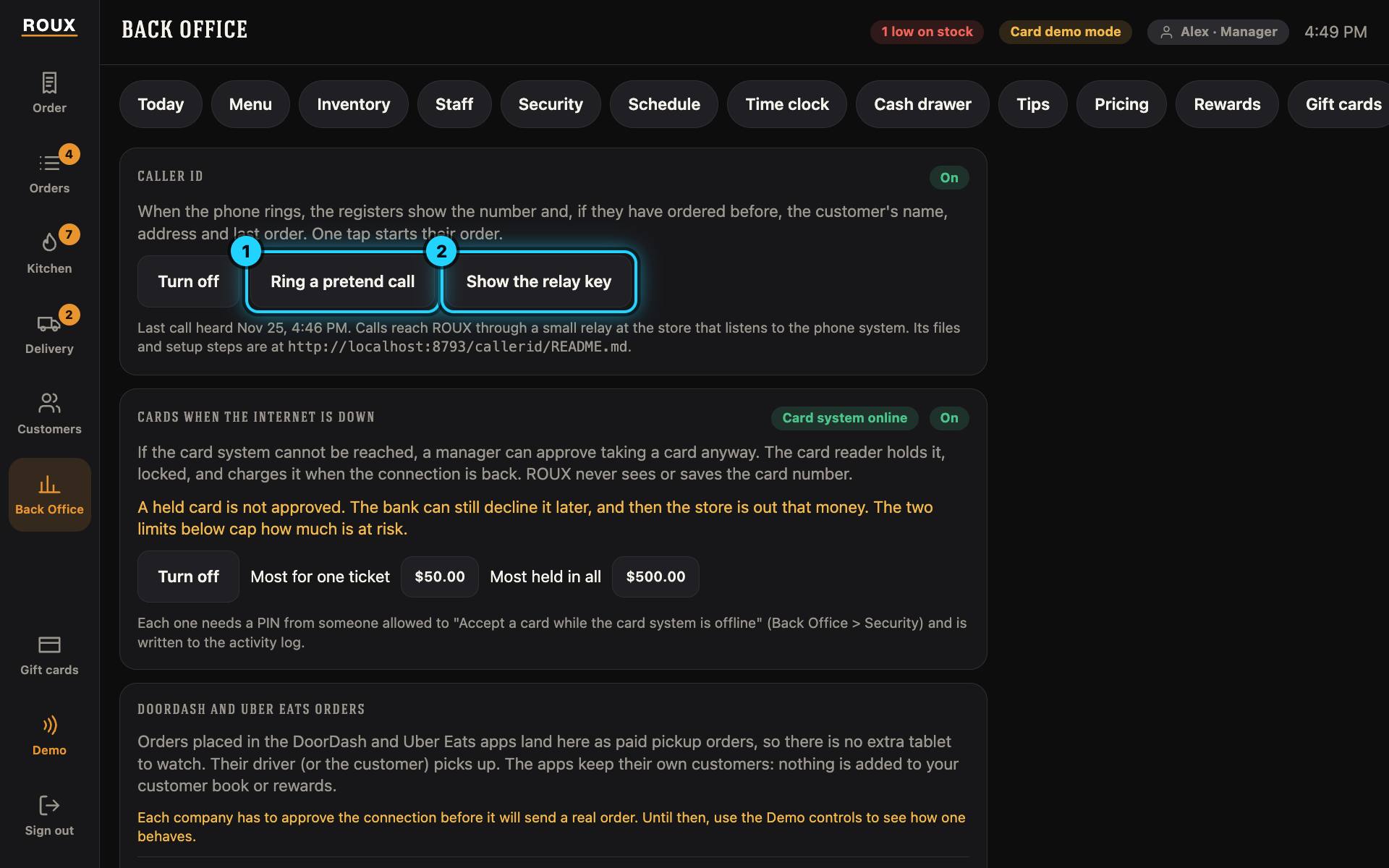
- Open Back Office > Settings > Caller ID and press Turn on.
- Press Show the relay key. The small relay program at the store needs it once, when it is installed.
- Press Ring a pretend call to see it work.
Use it
- A slim banner appears in the top bar with the number and, if they have ordered before, their name. Up to three calls fit side by side.
- Tap the banner for details.
- If they already have an order today or a scheduled one, the button opens that order.
- Otherwise press Carryout order or Delivery to start a ticket with the customer filled in.
- Their last three orders are listed. Press Use this order to repeat one at today's prices.
Good to know
- It needs the relay at the store, which listens to the phone system. This has only been tested with pretend calls, not the real phone bridge.
- Recent calls are also listed on the Customers screen.
- Kitchen screens and customer displays never show calls.