Knowledge base › Store settings and BPAUL's side
Sign ROUX in to outside services.
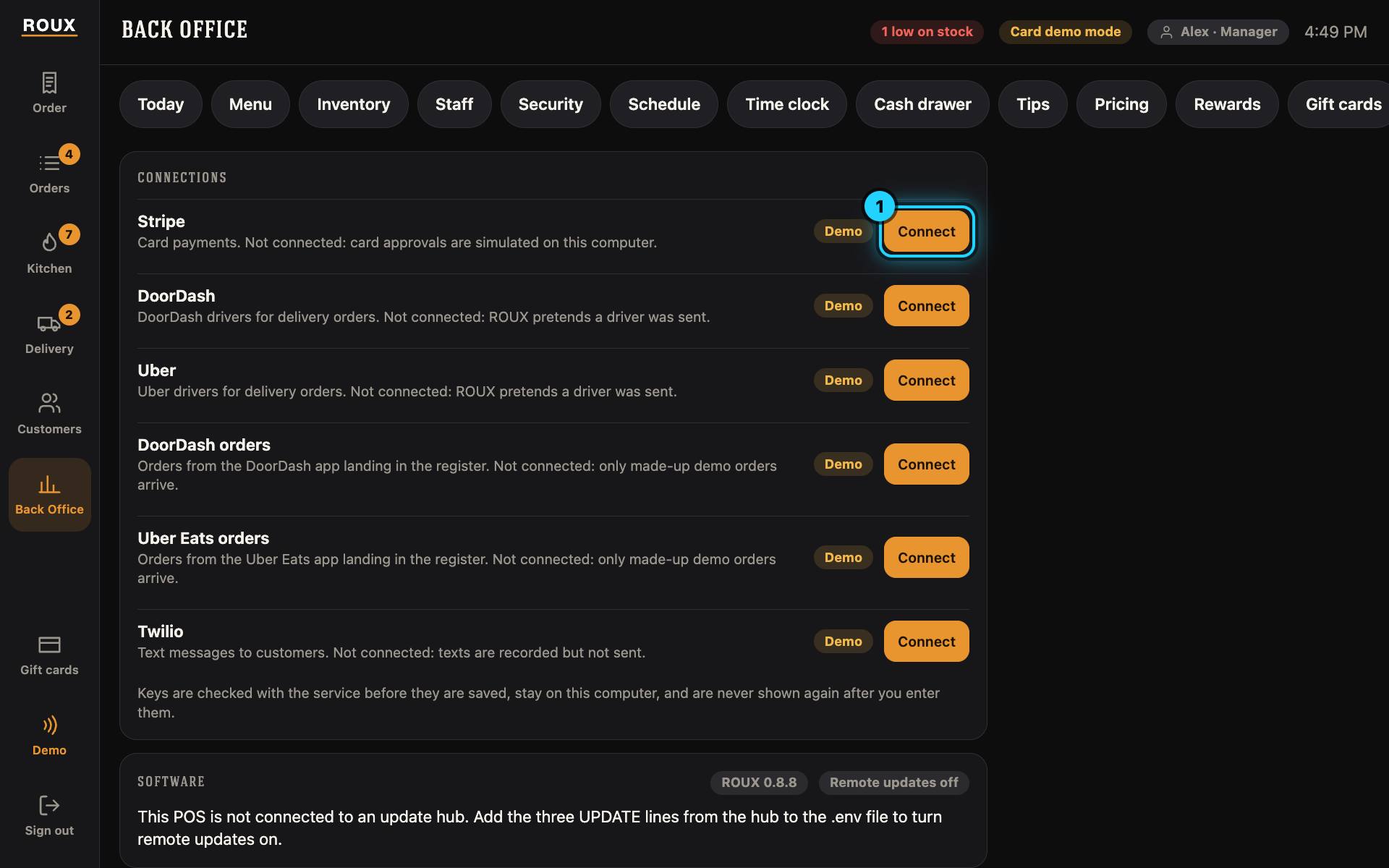
Steps
- At the bottom of Back Office > Settings, find Connections.
- Press Connect beside a service and enter the values from that company's own dashboard.
- Press Check and connect. ROUX tests the values with the service before saving them.
- To remove one, press Disconnect.
Good to know
- Services: Stripe (cards), DoorDash and Uber (drivers), Twilio (texts), DoorDash orders and Uber Eats orders (app orders).
- Keys are typed into ROUX only. They are never shown again by any screen.
- Each store uses its own accounts. Nothing is shared between stores.
- This build accepts Stripe test keys only.