Knowledge base › Store settings and BPAUL's side
The basics every other screen relies on.
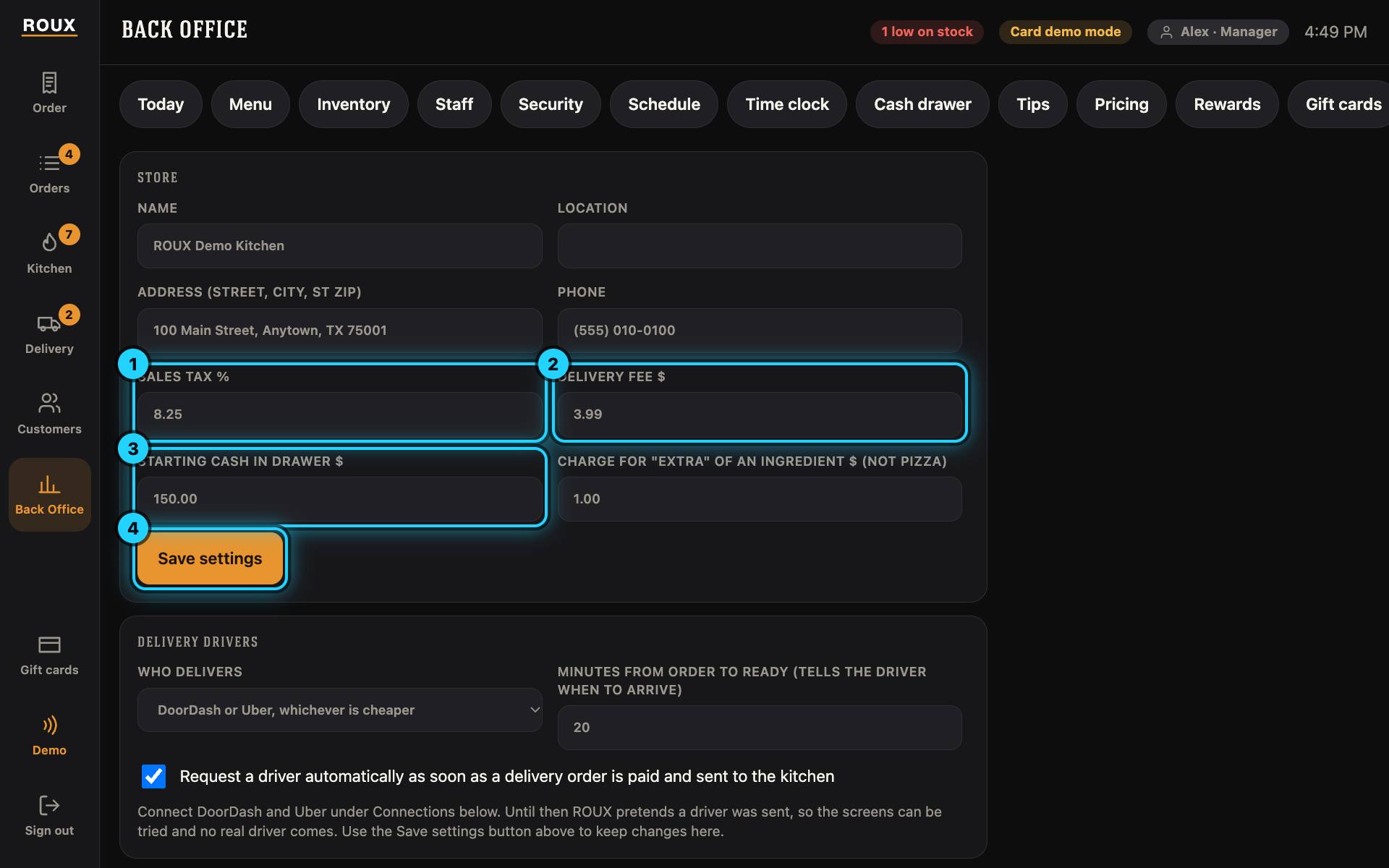
Steps
- Open Back Office > Settings.
- Under store details, set the store name, address and phone, the tax rate, the delivery fee, the drawer's starting cash, and the minutes from order to ready.
- Press Save settings.
- Use Change logo for the store's logo.
Good to know
- The same page holds the cards for Caller ID, offline cards, DoorDash and Uber Eats orders, online ordering, and which register online payments go to.