Knowledge base › Kitchen and delivery
Have a DoorDash or Uber driver deliver an order your store took. This is separate from orders placed in their apps.
Turn it on
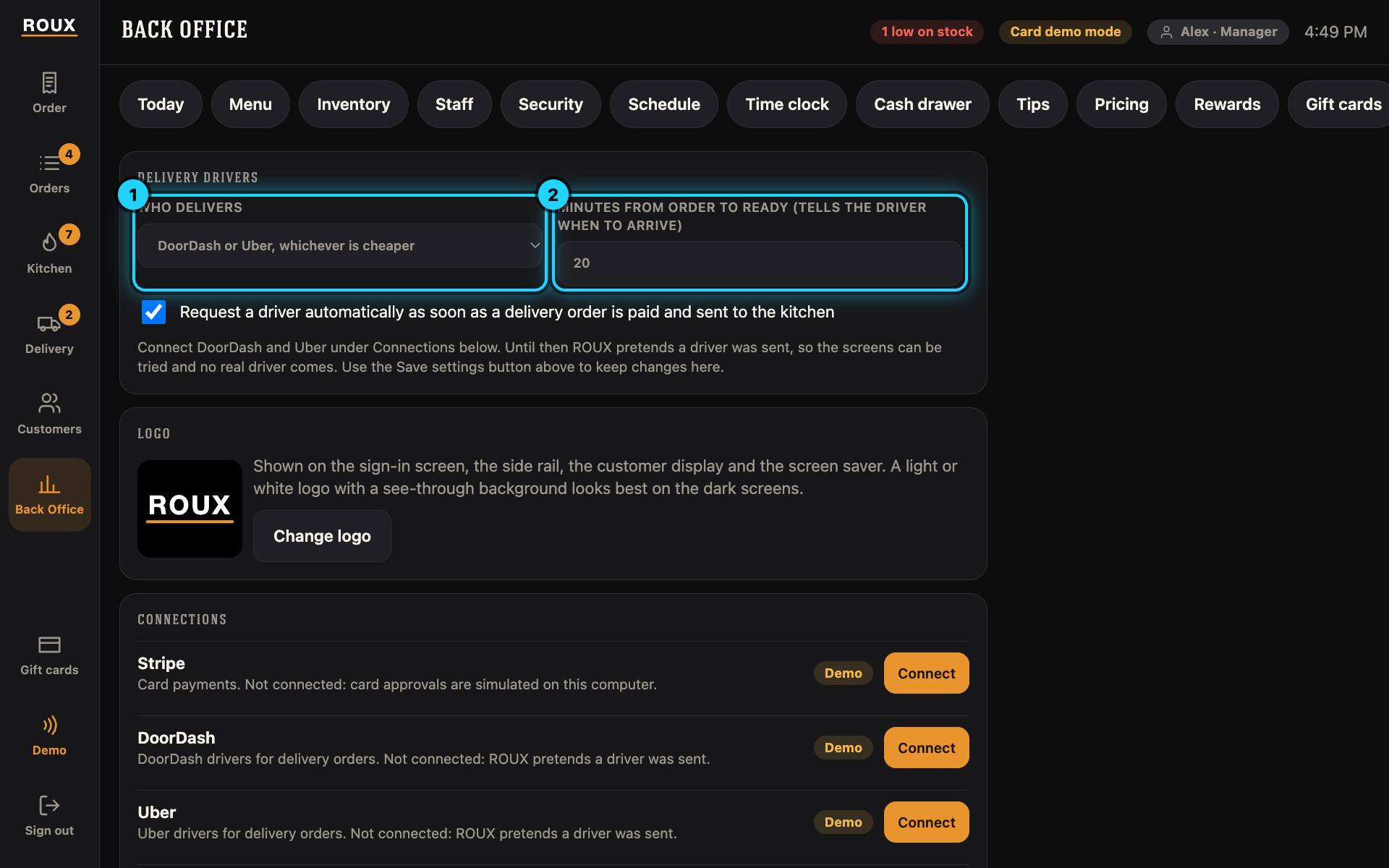
- Open Back Office > Settings > Connections and connect DoorDash and/or Uber with the values from their developer pages.
- In the delivery settings choose DoorDash, Uber, or whichever is cheapest, and whether a driver is requested automatically.
Use it
- With automatic on, a driver is requested once a delivery order is in the kitchen and paid.
- Otherwise open the order and request one.
- The order shows the driver's name and arrival time. Press Track the driver to follow them, or Cancel driver to cancel.
Good to know
- Until a service is connected, ROUX pretends a driver was sent, clearly labelled. No real request has ever been made.