Knowledge base › Money and reports
Check the drawer against what it should hold.
Steps
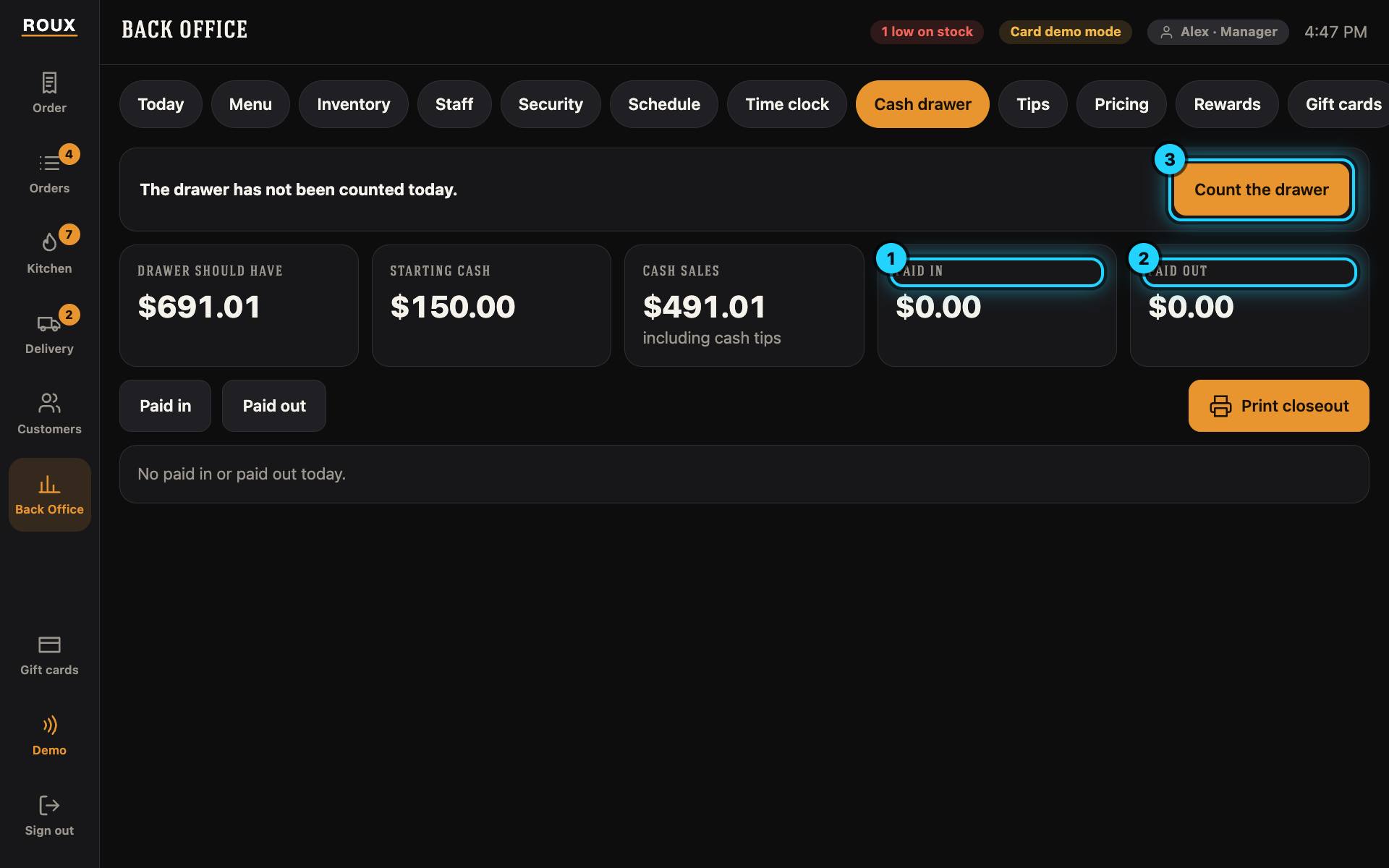
- Open Back Office > Cash drawer. It opens on this register's drawer; pick another from the list if needed.
- For money put in or taken out during the day, use Paid in or Paid out with a note.
- Press Count the drawer and enter how many of each bill and coin.
- Press See if it balances. It shows Balanced, Over or Short, the deposit to take out, and what stays in.
- Press Save and print for a slip.
Good to know
- A count off by $5 or more needs a note.
- There is one drawer per register. The starting cash amount is set in Settings.
- If cash moves after a count, the screen says to count again.