Knowledge base › Money and reports
Sales, payments and the busiest hours.
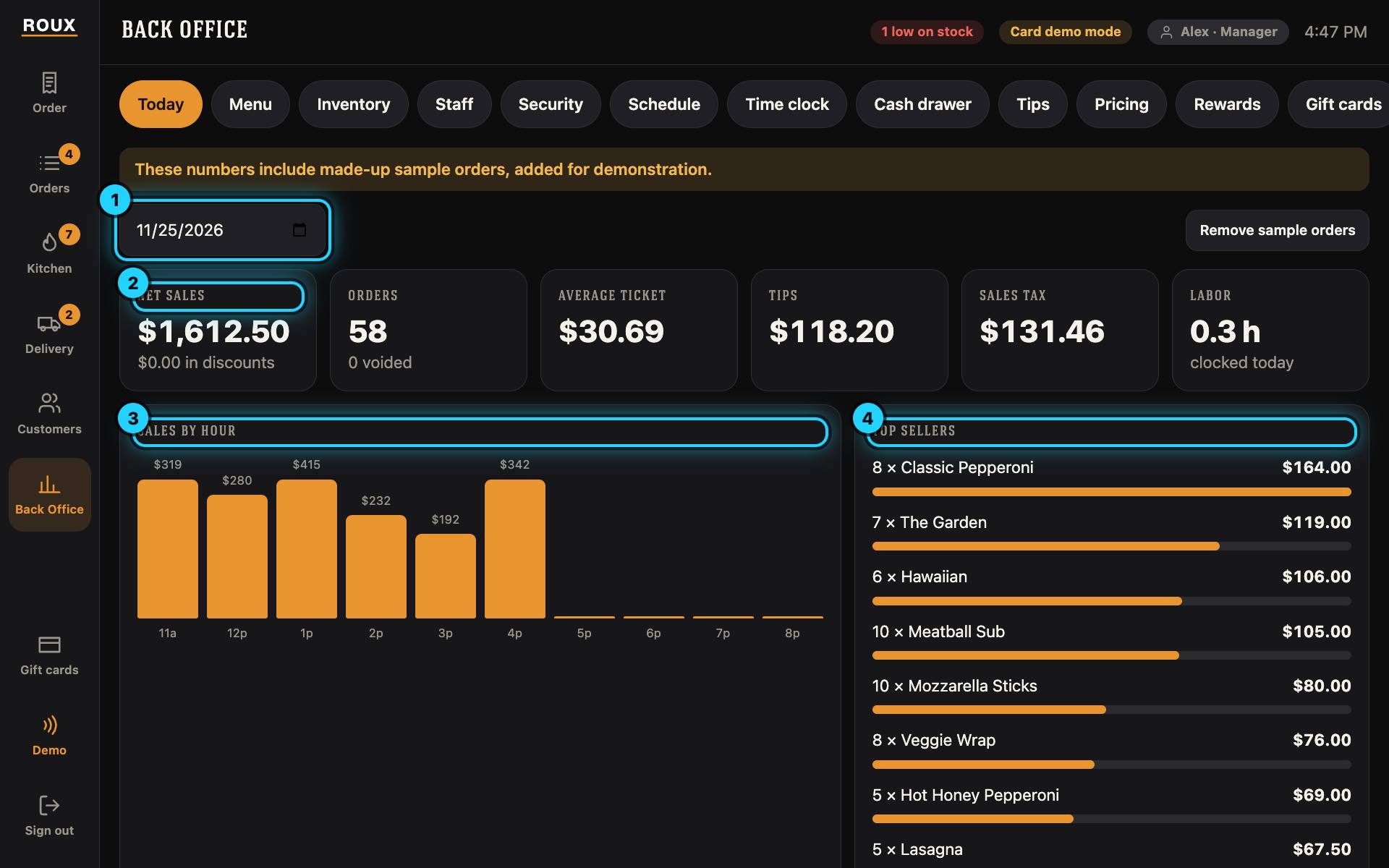
Steps
- Open Back Office > Today.
- Pick a date at the top to look at another day.
- It shows sales by order type, payments by kind, top items, sales by hour, labor hours, and what is still unpaid.
- The printed closeout for the day, with every drawer on it, is on the Cash drawer tab.
Good to know
- Gift cards sold, account payments, DoorDash and Uber Eats sales each have their own line, because they are not ordinary sales.
- Add sample orders for a demo fills the day with made-up sales, and Remove sample orders takes them out. Real orders are never touched.