Knowledge base › Staff and security
Names, PINs and positions.
Steps
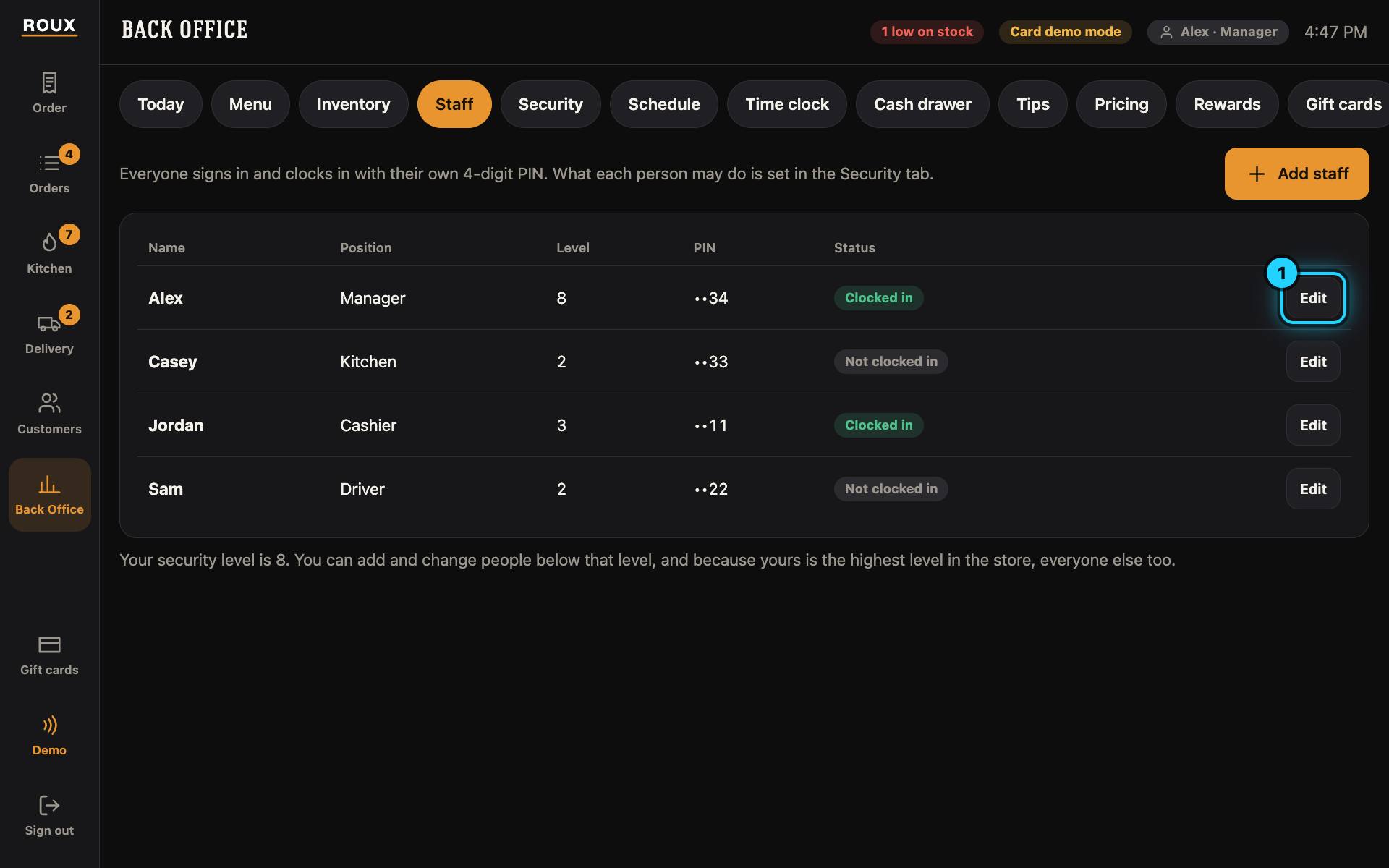
- Open Back Office > Staff.
- Add a person, or press Edit on one.
- Enter their name, a four-digit PIN and their position.
- Under "Also works as", tick any other positions they work. They then choose one each time they clock in.
- Switch someone off when they leave, instead of deleting them, so their history is kept.
Good to know
- You can only change people below your own security level, and their PINs are hidden from you otherwise.