Knowledge base › Menu, prices and stock
Mark an item sold out, or count how many are left.
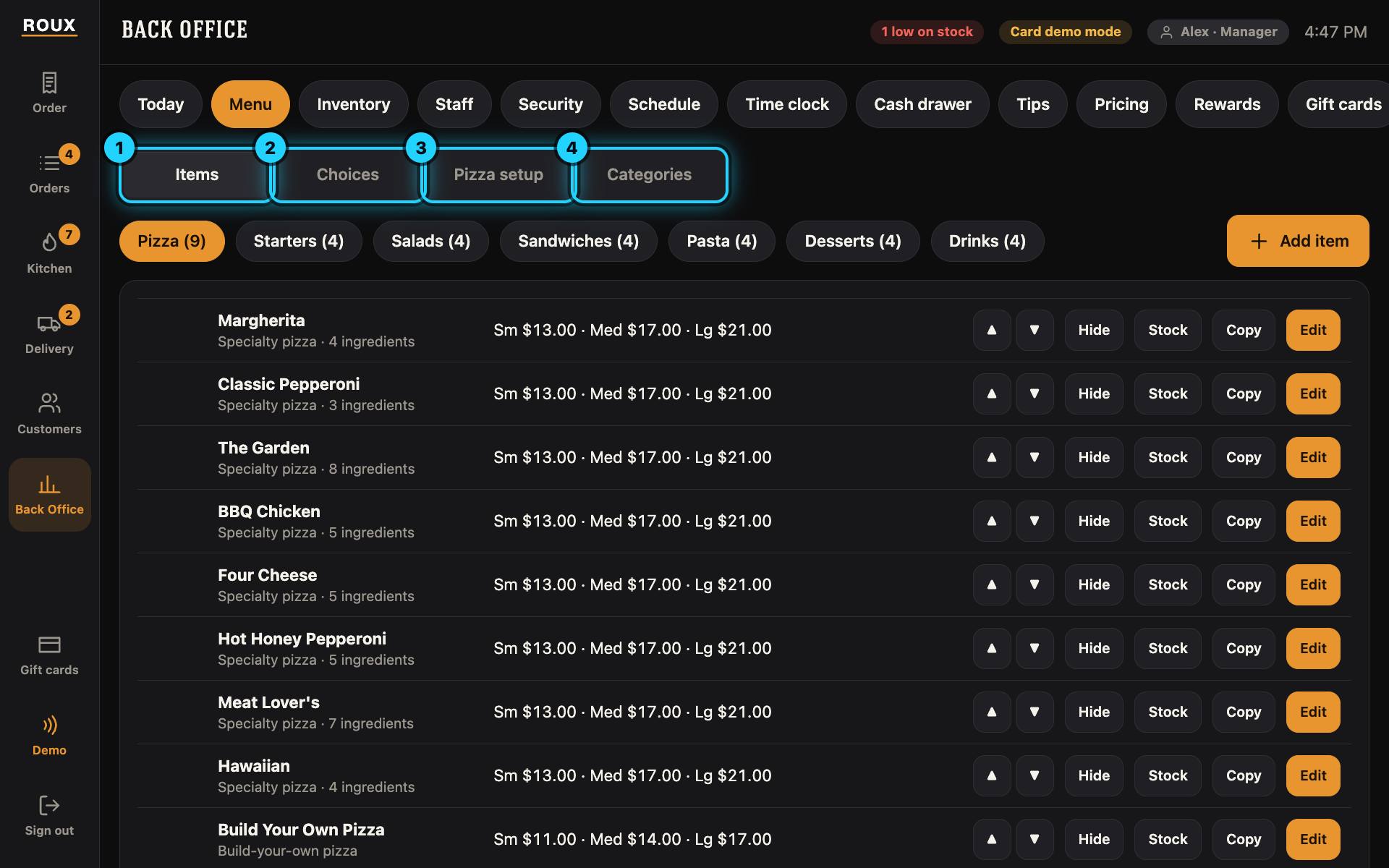
Steps
- In Back Office > Menu, press the Stock button on the item (kitchen staff who can bump may also do this).
- Enter how many are left. 0 means sold out. Leave it empty to stop counting.
- The count goes down as orders reach the kitchen.
Good to know
- A sold-out item is greyed on the registers and the ordering page, and menu boards say "Sold out" or drop it.
- Counts do not reset by themselves each day.